Smart Projector Worth It? Pros, Cons, and Buy Tips
Is a Smart Projector Worth It?
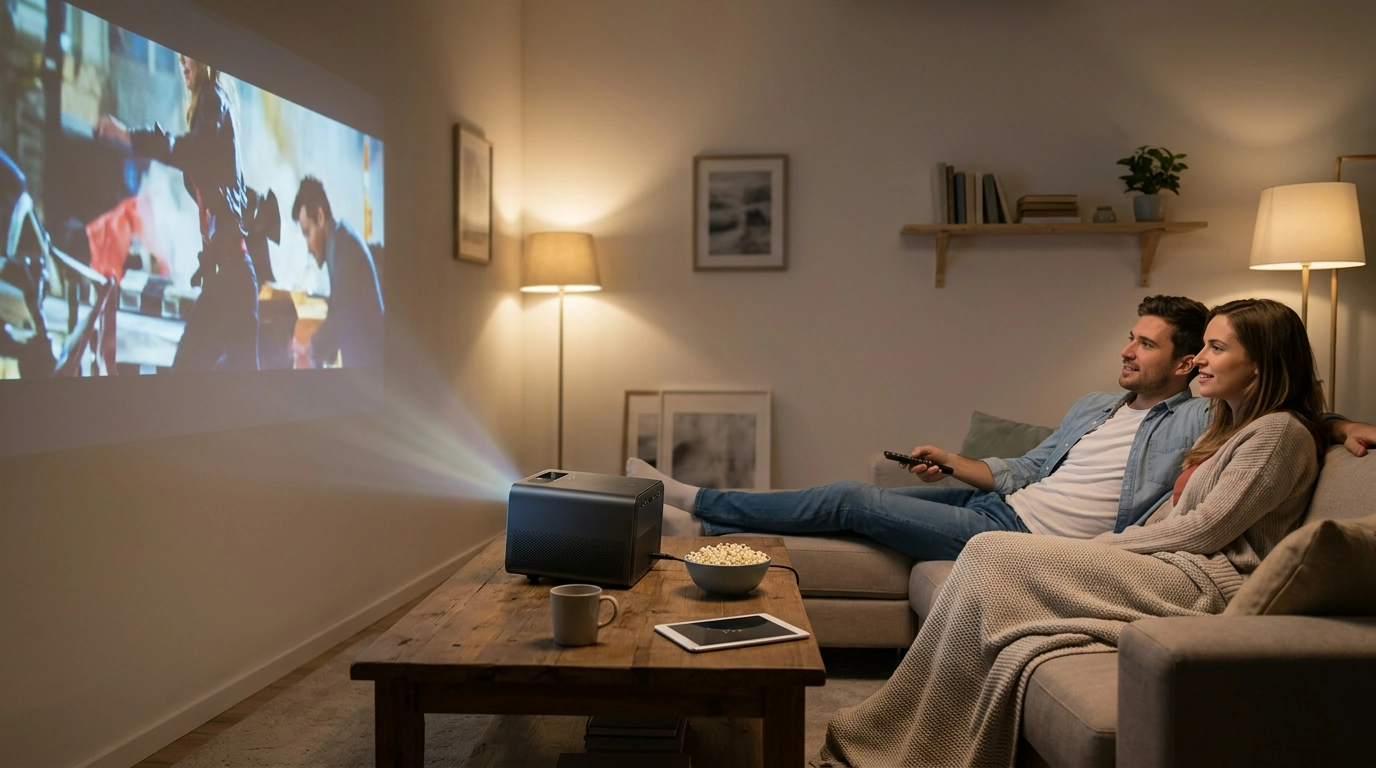
For many homes, yes—especially if you want a simple setup that feels more like using a TV than building a home theater. A smart projector combines projection hardware with built-in streaming, wireless connectivity, and automatic picture tools, so you can start watching faster and keep the room uncluttered.
When a Smart Projector Makes Sense
A smart projector is worth it if you value convenience. Built-in apps and Wi‑Fi can eliminate the need for a separate streaming stick, and wireless casting makes it easy to share videos and photos from your phone. Features like auto focus and automatic keystone correction are practical if you move the projector between rooms or reposition it often—think living room movie nights, bedroom ceilings, or backyard screens.
When It Might Not Be Worth It
If you already have a dedicated media setup—AV receiver, external streamer, calibrated sound system—the “smart” portion may be redundant. In those cases, prioritize image performance (brightness, contrast, color) and connectivity over apps. Also, if you rely on gaming, pay close attention to input lag; a “smart” interface doesn’t guarantee a responsive game mode.
What Our Team Suggests You Check Before Buying
Start with brightness appropriate for your room: brighter is better for ambient light, while darker rooms can prioritize contrast. Confirm resolution support and the types of ports you need (HDMI for consoles and streaming devices is the usual must-have). If you plan to use built-in audio, consider fan noise and speaker quality; if not, confirm easy audio-out options like Bluetooth or a wired output.
How to Get the Most Value
Look for smart features that reduce friction every time you use it: reliable Wi‑Fi, quick startup, stable app performance, and automatic screen adjustments that actually hold their settings. If you want a deeper walkthrough of smart mini projector features and what to prioritize, see our guide here: https://fascinira.com/guide-4k-smart-mini-projector-auto-focus-wifi-home-theater/.
FAQ
Do smart projectors need Wi‑Fi to work?
No. You can use a smart projector offline with an HDMI device like a console, Blu‑ray player, or streaming stick, but Wi‑Fi is typically needed for built-in streaming apps, wireless casting, and software updates.













Leave a comment