Netflix-Ready Projectors: How to Check Compatibility
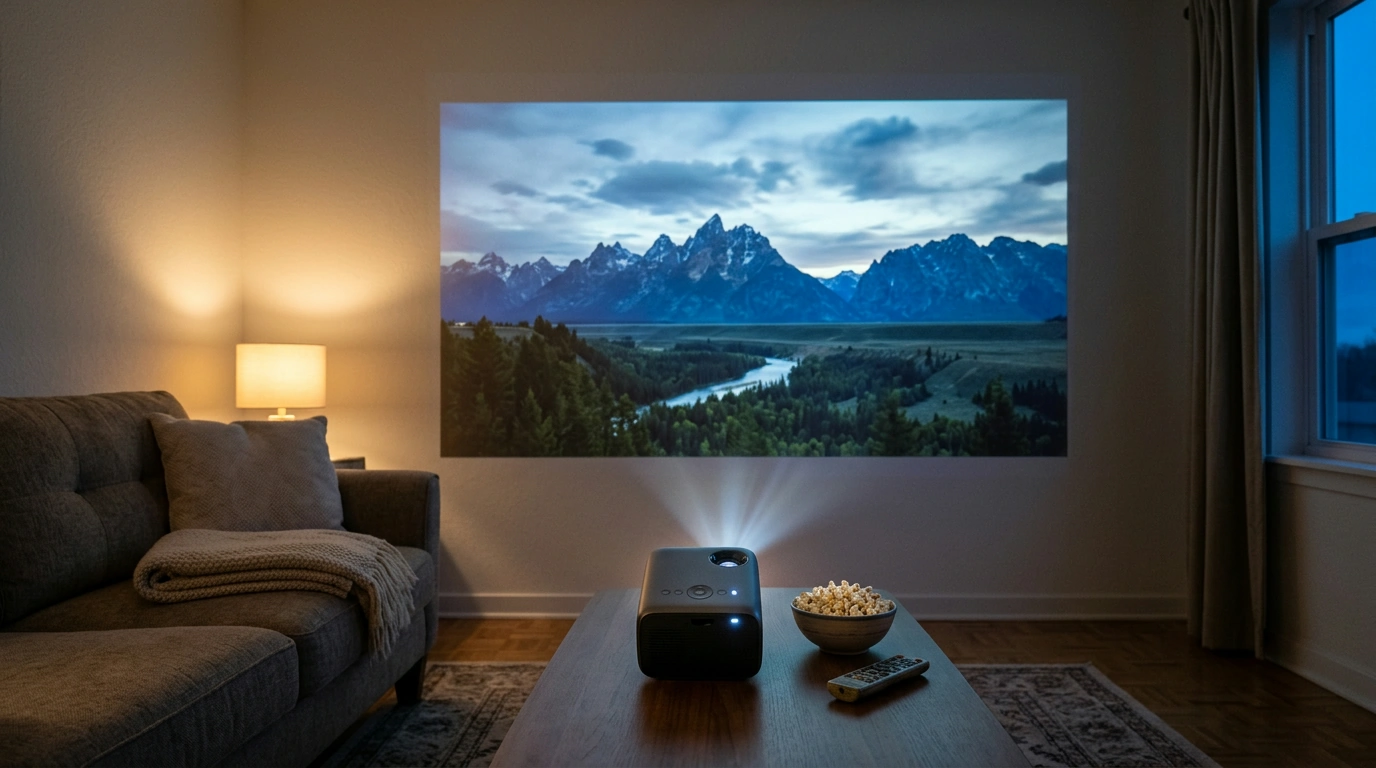
Which projectors are approved by Netflix?
Netflix doesn’t provide one universal list of every approved projector, and availability can vary by model, region, and software version. A projector is a reliable choice for direct playback when its manufacturer confirms that the Netflix app is officially supported on that exact model. For example, Samsung The Freestyle models offer Netflix through Samsung’s smart platform in supported markets.
Check for official Netflix support
Before buying, look for Netflix in the projector’s built-in app store and confirm support on the manufacturer’s product page or support site. A mention of “Android,” “smart projector,” or “streaming apps” alone doesn’t guarantee that Netflix is licensed to run on the device. Some projectors use modified Android software, where the app may be missing, outdated, or unable to play video properly.
What about portable projectors?
Portable models can be convenient, but their streaming support differs widely—even within the same brand. Confirm the full model name and check that Netflix works directly on it, rather than relying on a seller’s general claim that the projector supports Android apps. Also check for software updates and whether the app is available in your country.
Can an external streaming device work?
If Netflix isn’t built in, a compatible streaming stick or box connected through HDMI may be an option. Check that the projector supports the device’s video resolution and HDCP copy protection. Phone mirroring or casting isn’t a sure workaround: Netflix playback may be blocked or unavailable through some casting methods.
What should you verify before buying?
Confirm the exact model, official Netflix app availability, and the projector’s HDMI and HDCP compatibility. Read recent owner feedback for the same model, since app support can change after a software update. If you’re comparing a portable 4K option, review the 4K smart portable projector guide and verify Netflix support with the manufacturer before ordering.
FAQ
Can I watch Netflix on a projector without a built-in Netflix app?
Often, yes. Connect a Netflix-compatible streaming device by HDMI, and confirm the projector supports the required resolution and HDCP protection. A built-in app is not essential, but it can make setup simpler.













Leave a comment