How to Watch Netflix on a Projector: Your Best Options
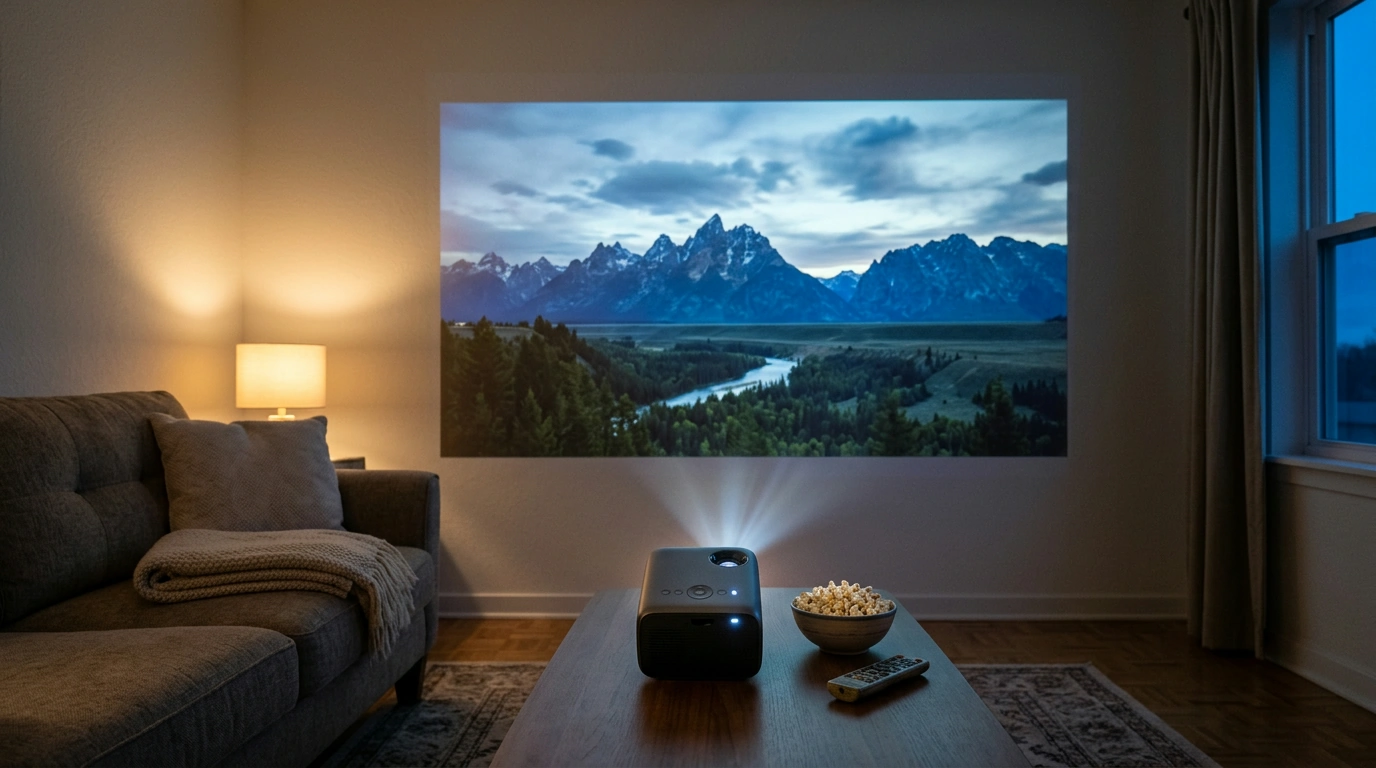
Which projectors are compatible with Netflix?
Projectors that can run Netflix through an officially supported app or connect to a compatible streaming device can play Netflix. A “smart” label or Android operating system alone does not guarantee that the projector’s built-in Netflix app is supported, so look for Netflix compatibility stated for the specific model.
Choose a projector with supported Netflix access
A smart projector may offer Netflix as a built-in app, letting you connect it to Wi-Fi, sign in, and stream directly. Confirm that Netflix is available through the projector’s app store or included software. Some Android-based projectors use versions of Android that do not support Netflix properly, even if the app appears in the interface.
Our 4K smart portable projector guide covers a model described with Android and Netflix features. Review the product’s stated app support and connection options to see whether its setup suits your viewing needs.
Use an external streaming device
If a projector does not support Netflix natively, you can often connect a compatible streaming stick, streaming box, game console, or laptop through HDMI. The external device runs Netflix, while the projector displays its video output. Make sure the projector has a compatible HDMI input and that you have any adapters required for your device.
This setup can also be useful if you prefer a familiar streaming interface or want to use services beyond the projector’s built-in apps. You will still need a Netflix account and an internet connection for streaming.
Know the limits of casting and mirroring
Wireless casting may work for some devices, but screen mirroring is not a dependable substitute for supported Netflix playback. Copyright protections can prevent video from appearing, even when the projector successfully mirrors your phone’s screen. For a more reliable setup, use the projector’s supported Netflix app or connect a streaming device by HDMI.
FAQ
Can I watch Netflix on a projector without Wi-Fi?
Netflix streaming requires an internet connection, whether you use the projector’s app or an external streaming device. Without Wi-Fi, you may be able to connect through another internet source, such as a mobile hotspot, if your device and data plan support it.














Leave a comment