Watch Netflix on a Portable Projector: Best Setup Tips
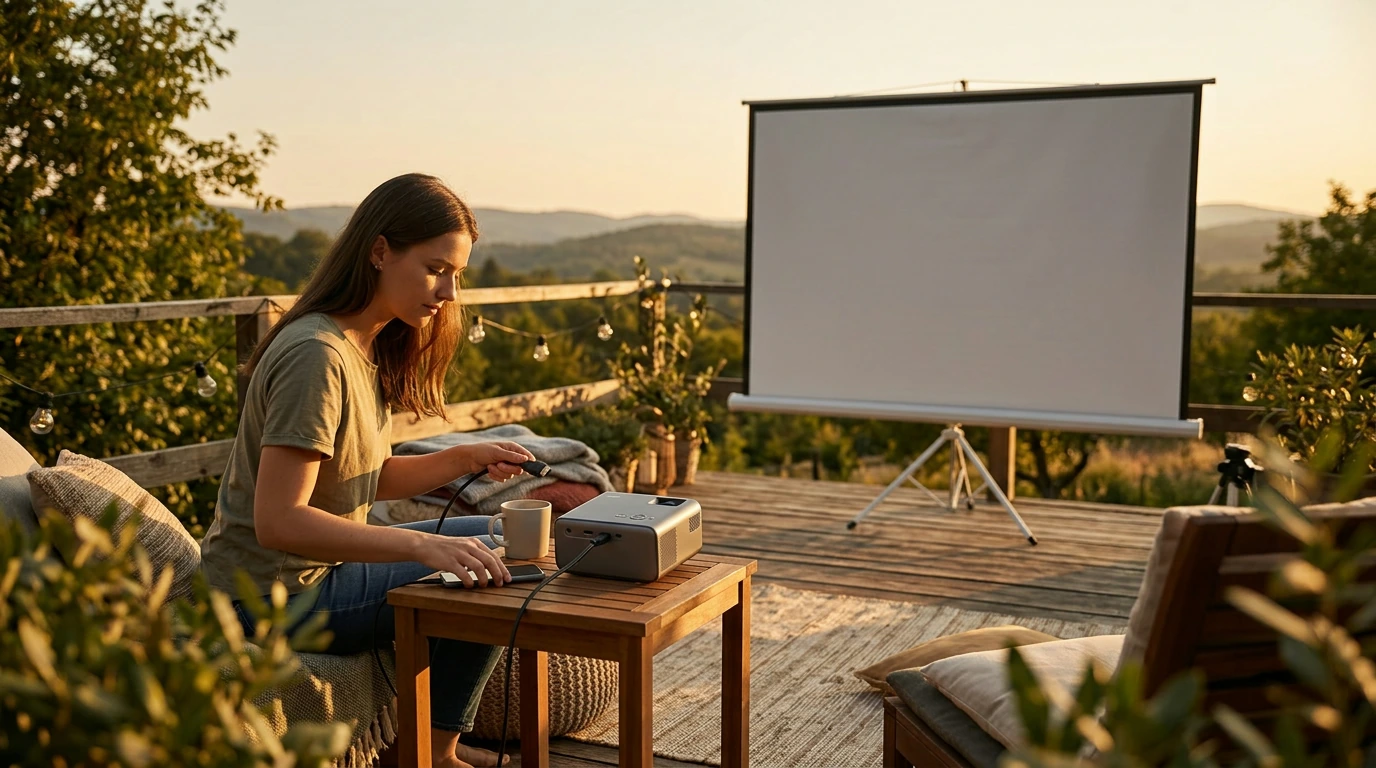
Can you watch Netflix on a portable projector?
Yes—Netflix can work on a portable projector, but it depends on how the projector gets the Netflix app (or the video signal) and whether the device is approved for Netflix playback. Many portable projectors advertise “smart” features, yet some don’t have the official Netflix app or can’t play it in full quality due to DRM restrictions.
The most reliable ways to watch
Use a streaming stick or box: Plug a Roku, Fire TV Stick, Apple TV, or Chromecast with Google TV into the projector’s HDMI port. This is usually the smoothest option because Netflix runs on the streamer (not the projector), and updates/DRM support are handled properly.
Connect a laptop: An HDMI connection from a computer to the projector typically works well. If you run into a black screen, it may be a copy-protection/HDCP issue—switching HDMI cables/ports or using a different source device often fixes it.
Screen mirroring/casting: This can work, but it’s the least predictable. Some projectors don’t support Netflix casting, and mirroring from a phone may be blocked or limited. If it does work, performance can depend heavily on Wi-Fi stability.
What to check before buying or setting up
Start with the projector’s inputs (HDMI is key), audio options (Bluetooth or a 3.5mm jack for speakers), and whether it supports HDCP on HDMI. If it claims to run Netflix “natively,” confirm it uses an official platform (like Android TV/Google TV) rather than a basic Android build with sideloaded apps.
For a deeper walkthrough of compatible setups and common playback problems, visit the full guide: https://fascinira.com/can-you-watch-netflix-on-a-portable-projector/.
For Watch Netflix on a Portable Projector: Best Setup Tips, the best answer depends on fit, material, care instructions, and how the product will be used day to day.
FAQ
Do you need Wi-Fi to use Netflix on a projector?
Wi-Fi is needed if you’re streaming Netflix live. You can also use a phone, tablet, or laptop with Netflix downloads and connect it to the projector to watch without an active internet connection.














Leave a comment