AI-Powered Daily Routines for Kids: Simple & Flexible
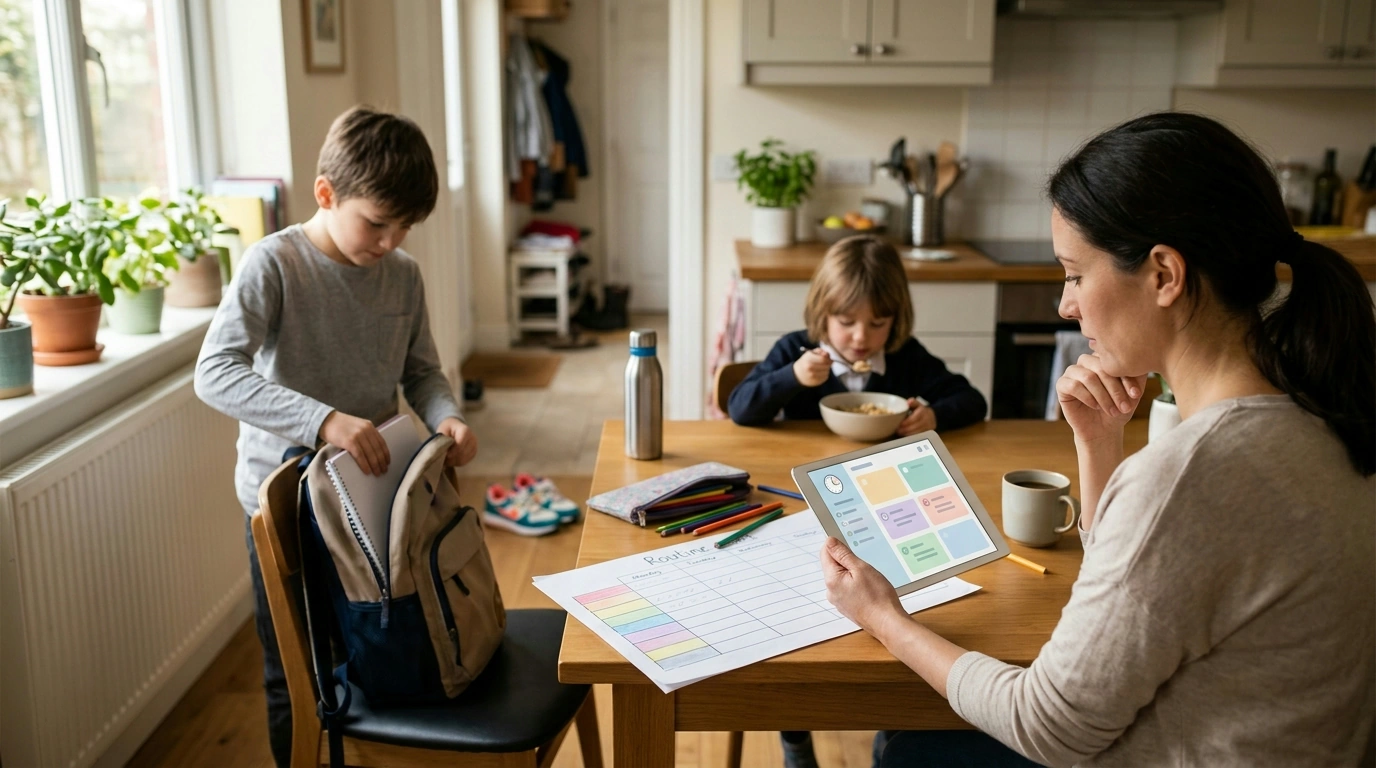
Using AI to Organize Your Child’s Day with Ease
Busy family schedules can feel like a moving target—school start times, meals, homework, activities, and bedtime all competing for attention. A simple AI-assisted routine can turn that chaos into a predictable flow by creating age-appropriate blocks, reminders, and transitions that a child can actually follow. The goal isn’t a rigid, minute-by-minute script; it’s a steady rhythm with enough breathing room to handle real life.
What an AI-assisted routine can do (and what it shouldn’t)
Used well, AI helps translate “everything we have going on” into a day plan that’s realistic for a child’s attention span and your family’s constraints. It can also standardize the language you use so mornings and bedtimes don’t require a brand-new speech every day.
- Turn commitments into a workable plan with buffers, breaks, and transition time.
- Build around fixed anchors like school, therapy sessions, sports, and pickup times.
- Suggest consistent routine cues using simple, visual-friendly wording.
- Recommend age-appropriate time blocks (shorter blocks for younger kids; longer focus blocks for older kids).
What it should not do: replace parental judgment. Safety rules, screen limits, family values, and health needs remain non-negotiable. It’s also easy to over-optimize. A “good enough” routine your child follows beats a perfect plan that collapses the first time someone can’t find a shoe.
Start with anchors: the non-negotiables that shape the day
Before you ask any tool to “make a schedule,” collect the anchors that already control your day. These fixed points prevent the routine from becoming fantasy math.
- List fixed commitments: school hours, commute, pickup/drop-off, lessons, appointments, dinner, bedtime.
- Add “life admin” anchors: medication times, chores, pet care, sibling handoffs, quiet time.
- Choose 2–3 priority outcomes (homework done, movement time, calmer bedtime).
- Call out friction points (mornings, after-school transitions, device shutdown, bedtime resistance).
- Decide what can flex (playtime length, snack timing, optional enrichment blocks).
Routine anchors to capture before building the plan
| Anchor | Details to note | Common friction | AI-friendly instruction |
|---|---|---|---|
| School | Start/end time, commute, prep time | Late departures | Build a morning checklist with a 10–15 minute buffer |
| Meals | Breakfast/lunch/dinner timing, picky-eating notes | Rushing or skipping | Add a short meal window + cleanup step |
| Homework/Study | Subjects, due dates, attention span | Procrastination | Use 20–40 minute focus blocks + breaks |
| Activities | Days, times, gear needed | Forgotten items | Create a packing checklist and pre-activity reset |
| Bedtime | Target lights-out, wind-down preferences | Device shutdown | Plan a 30–60 minute wind-down with clear steps |
A simple setup: inputs that help AI produce a usable kids’ schedule
The quality of the routine depends on the clarity of the inputs. A short “family brief” works better than a long explanation because it keeps the outputs easy to implement.
- Child profile: age, wake/bed targets, school start time, attention span, sensory needs.
- Family constraints: caregiver work hours, sibling schedules, transportation limits.
- Routine style: strict, moderate, or flexible (and where quiet zones belong).
- Tools already in use: phone calendar, printable chart, smart speaker reminders, school portal.
- Preferred prompts: short steps, friendly tone, and fewer daily transitions.
- Output request: morning block, after-school block, evening block, plus a weekly activities view.
One practical rule: ask for “buffers” explicitly. A child-friendly routine needs space for putting on shoes, finding water bottles, decompressing after school, and finishing tasks that take longer than expected.
Example routine blueprint by age (use as a starting point)
Sample weekday blocks (adjust to your family’s times)
| Time block | Ages 4–7 | Ages 8–12 | Teens |
|---|---|---|---|
| Morning | Dress, breakfast, teeth, bag check | Morning checklist + 5-minute tidy | Breakfast + quick priorities review |
| After school | Snack + play + short reading | Snack + decompress + homework start | Decompress + sport/work + study block |
| Evening | Dinner + bath + story + lights out | Dinner + homework finish + prep for tomorrow | Dinner + study/chores + device off window |
| Wind-down | Calm play + bedtime routine steps | Low-stimulation activity + prep | Low-light routine + sleep hygiene |
How to turn a routine into a kid-friendly planner system
If your child does well with voice cues, a simple “announce the next step” reminder can reduce nagging and keep transitions neutral. For families who record short audio instructions or help older kids create school project voice notes, the RGB USB Gaming Microphone with Noise Canceling & One-Touch Mute can be a practical desk add-on.
Privacy and safety basics when using AI for kids’ schedules
For screen and media boundaries that support routines, the American Academy of Pediatrics Family Media Plan is a helpful reference. For sleep targets by age, the CDC’s sleep guidance for children and teens can keep bedtime goals realistic. For a broader view of privacy practices, the NIST Privacy Framework outlines sensible principles for minimizing sensitive data exposure.
A ready-to-use option for faster setup
For a plug-and-play option, see the Smart routine planner digital download for busy families.
FAQ
What information should be included when asking an AI tool to build a child’s routine?
Include fixed anchors (school, meals, bedtime), constraints (commute, caregiver availability), your child’s age and attention span, and your top 2–3 priorities. Ask for short steps, built-in buffers, and a child-facing checklist you can print or display.
How can a routine stay flexible without falling apart?
Keep the anchors stable, make one or two blocks flexible (like playtime or enrichment), and protect the day with buffers. A simple fallback “minimum routine” plus a quick nightly check-in helps you recover from off-days without resetting everything.
Is it safe to use AI for kids’ schedule planning?
It can be safe when you leave out identifying details, keep parental controls active, and review outputs for accuracy and age fit. Treat suggestions as a draft plan, not a set of instructions to follow blindly.
















Leave a comment